Is WordPress Any Good in 2026? Pros, Cons & What Actually Matters
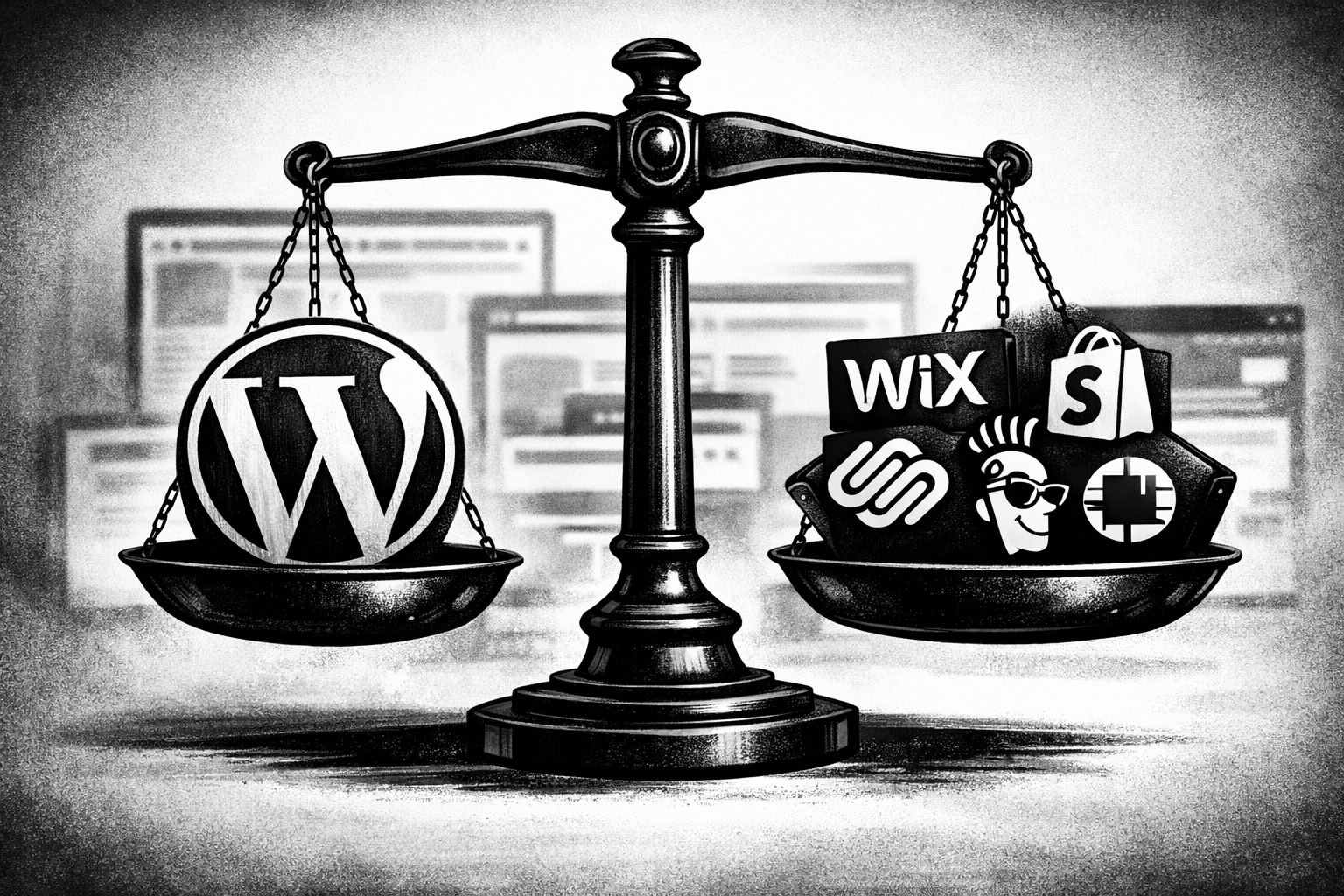
If you’re researching how to build a website in 2026, you’re probably weighing up the usual suspects: Wix, Squarespace, Shopify, GoDaddy… maybe even AI, and then ye olde faithful: WordPress.
And at some point, the question comes up:
“Is WordPress still any good, or is it just old tech that hasn’t caught up?”
It’s a fair question.
WordPress has been around for over 20 years. Meanwhile, newer platforms promise simplicity, and AI tools now claim you can “prompt your way” to a fully working website.
But here’s the reality: WordPress is still one of the most powerful, flexible, and commercially effective platforms available today – if you use it properly.
Let’s break it down without the fluff.
First – What Makes WordPress Different?
Most modern website builders (Wix, Squarespace, Shopify, GoDaddy) are closed systems. You sign up, pick a template, and everything – hosting, design, functionality – lives inside their platform.
WordPress works differently.
It’s open. You choose your hosting, your design, your functionality. You’re not locked into a provider, and you’re not limited to what a platform decides you can do.
That difference is what gives WordPress its edge – and also where some of the trade-offs come in.
The Real Advantages of WordPress in 2026
You Own the Asset – Not Just the Subscription
With WordPress, your website is yours. Fully.
You can move it between hosts. You can redesign it. You can work with any developer. You’re not stuck inside a platform ecosystem that controls what you can and can’t do.
That might not seem like a big deal on day one – but it becomes critical as your business grows.
(We’ve seen plenty of businesses outgrow Wix or Squarespace and end up rebuilding everything from scratch. WordPress avoids that problem entirely.)
It’s Built for Growth, Not Just Launch
WordPress isn’t just about getting a site online – it’s about what happens after that.
Whether you want to:
- rank in Google
- add landing pages
- integrate booking systems
- expand into ecommerce
- or build something custom
WordPress gives you the flexibility to do it.
Other platforms can handle simple use cases well, but they tend to hit limits quickly. WordPress doesn’t really have that ceiling.
SEO Is Where WordPress Quietly Dominates
If you care about getting found online, this matters.
WordPress gives you full control over:
- page structure
- URLs
- metadata
- site speed (with proper hosting)
- content architecture
And with tools like Yoast or RankMath, even non-technical users can follow best practices.
The result? Better visibility in Google, more traffic, and more leads.
That’s not theoretical – it’s one of the main reasons WordPress still powers such a large portion of the web.
It’s Surprisingly Cost-Effective Over Time
Yes, WordPress usually costs more upfront. You’re paying for proper setup, design, and configuration.
But once it’s live, the ongoing costs are typically low:
- hosting
- occasional plugin licences
- maintenance (often bundled into hosting)
Compare that with subscription platforms where you’re paying every month indefinitely, often for a system you can’t fully control.
Over 3–5 years, WordPress often ends up being the more economical choice.
There’s an Entire Global Ecosystem Behind It
WordPress isn’t going anywhere.
It’s supported by a massive global community of developers, designers, and contributors. That means:
- constant updates
- ongoing security improvements
- no reliance on a single company
- easy access to support or developers
You’re never stuck.
The Downsides (And They’re Real)
It’s Not the Easiest DIY Platform
If your goal is “I want a website up this weekend with zero learning curve,” WordPress isn’t the easiest path.
There are more moving parts:
- hosting
- themes
- plugins
- updates
That complexity is what gives it power – but it also means it’s not as plug-and-play as Wix or Squarespace.
Security Depends on How It’s Managed
WordPress itself is not inherently insecure. But because it’s so widely used, it’s a common target.
The real issue isn’t WordPress – it’s poorly maintained WordPress sites.
Things like:
- outdated plugins
- weak passwords
- cheap hosting
- lack of firewalls or monitoring
…are what create vulnerabilities.
A proper setup includes:
- regular updates
- secure hosting
- firewall protection (WAF)
- backups and monitoring
These are standard items in any professional WordPress security checklist and are typically handled by managed hosting providers.
Your Hosting Choice Matters More Than You Think
With platforms like Wix or Squarespace, hosting is baked in.
With WordPress, you choose it.
That’s a strength – but also a risk if you go with low-cost providers. Cheap hosting often leads to slow load times, downtime, and security issues.
A managed WordPress host (like ours on Handmade Web’s own servers, WP Engine, etc.) removes most of that complexity by handling:
- updates
- backups
- performance optimisation
- security monitoring
It’s Not Designed for Sensitive Data
WordPress is excellent for marketing websites and business platforms.
But if you’re dealing with:
- health records
- financial data
- highly sensitive personal information
…you should be using specialised, compliant systems for that data.
Your website should connect to those systems, not replace them.
Plugins Are Powerful – But Need Restraint
Plugins are how WordPress becomes anything you want it to be.
But more isn’t always better.
Too many plugins (or poorly maintained ones) can:
- slow your site
- create conflicts
- introduce security risks
A well-built WordPress site uses only what’s needed – and keeps everything updated and tested.
What About AI Website Builders Like Replit?
This is the new wildcard in 2026.
Tools like Replit (and others) promise that you can simply describe what you want, and the platform builds a working website or app for you.
And to be fair – it’s impressive.
But there are some important realities to consider.
1. You’re Still Locked Into a Platform
Just like Wix or Squarespace, you’re building inside someone else’s ecosystem.
That means:
- limited portability
- reliance on their infrastructure
- ongoing dependency on the platform
If you want to move later, it’s not straightforward.
2. It’s Not Truly “No-Code” for Complex Projects
For simple projects, AI tools work well.
But once things get even slightly complex – integrations, workflows, edge cases – you’re back to needing development knowledge.
Prompting can only take you so far.
In many cases, you’ll spend a lot of time iterating, troubleshooting, and refining prompts, which can be just as time-consuming as traditional development (if not more).
3. Design Quality Often Feels Generic
Most AI-generated sites rely on common UI frameworks and patterns.
The result?
They work – but they often look the same.
That might be fine for internal tools or MVPs, but for a business trying to build a brand, it can fall short. Your website is often the first impression someone has of you. If it looks generic, that impression suffers.
4. There Are Real Risks Around Stability & Data
AI platforms are evolving quickly, and not all of them have mature systems around:
- data handling
- version control
- long-term stability
There have already been cases where projects or data have been lost or mishandled.
That’s not a risk most businesses are comfortable with for their primary website.
5. It’s Powerful – But Not a Replacement (Yet)
AI tools are incredible for:
- prototyping
- internal tools
- quick experiments
But for a fully functional, scalable business website, they’re not quite there yet.
Could that change? Absolutely.
But right now, WordPress still offers a far more stable, flexible, and proven foundation.
So… Is WordPress Still a Good Choice in 2026?
Yes – and for most businesses, it’s still the best one.
Not because it’s trendy. Not because it’s new.
But because it works.
It gives you:
- ownership
- flexibility
- scalability
- strong SEO performance
- long-term cost efficiency
And when it’s set up properly, it removes most of the common frustrations people associate with it.
The Bottom Line
If you want something quick and simple, platforms like Wix or Squarespace are fine.
If you’re building a serious business asset – something you want to grow, rank, and evolve over time – WordPress is still the smarter choice in 2026.
AI tools are exciting, and they’ll absolutely shape the future of web development.
But that future isn’t here just yet.